Thumbnail Flicker Fix, Hide Labels Option & Configurable Preview Delay
March 18, 2026
DocManager Pro 1.1.2
Version 1.1.2 is now available with refinements to the thumbnail preview, new display options for document information, and an important bug fix for users running both DocManager Lite and Pro.
New: Thumbnail Flicker Eliminated During Edits
When editing the document itself (for example, applying changes in an adjustment layer, painting with a brush, or making other edits to the image), thumbnails in the panel would sometimes flicker or briefly disappear as the preview updated. This was distracting and could make it harder to verify changes at a glance. In 1.1.2, the thumbnail rendering pipeline has been adjusted so that flickering during edits is completely eliminated. Thumbnails now remain stable and smooth throughout the editing process.
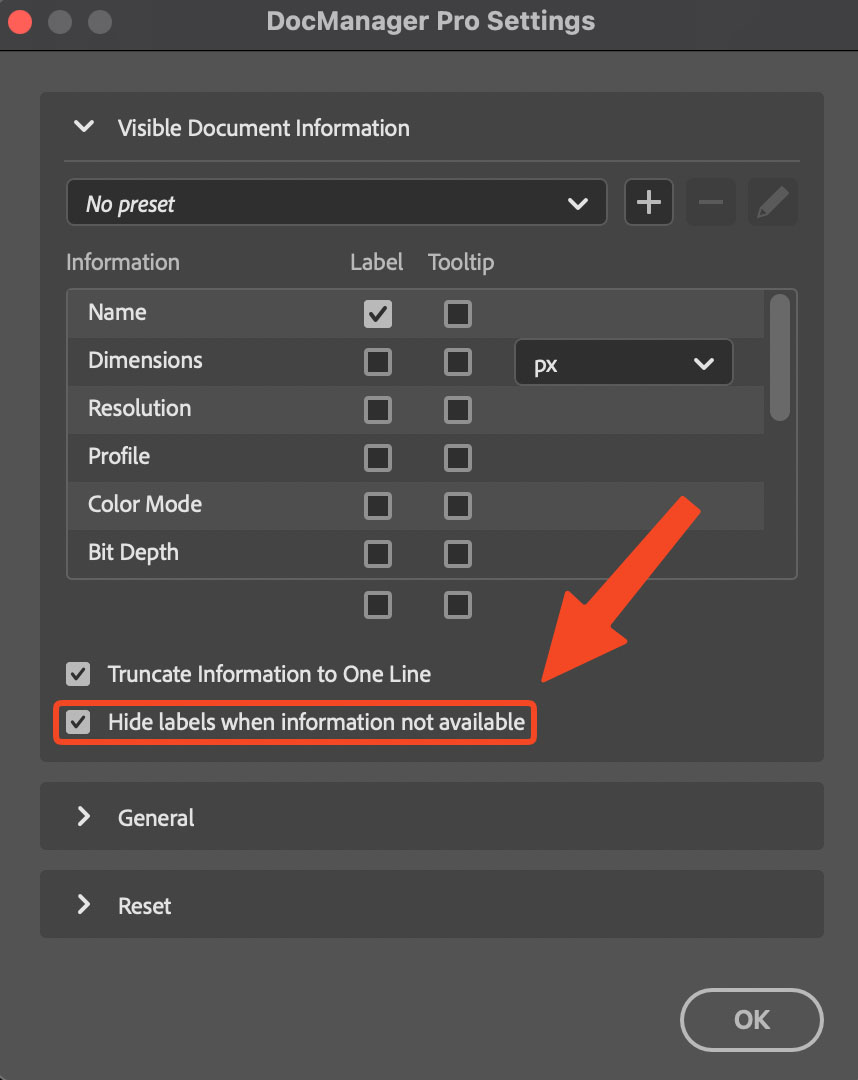
New: Hide Labels When Information Not Available
Document information fields like Camera, Lens, or Create Date sometimes lack data (for example, when a file was created without EXIF metadata or when the information is not applicable). Previously, these fields would display labels such as "... not available", which could clutter the panel when many fields were empty. A new option in Settings lets you hide labels entirely when data is missing. This keeps the document information panel cleaner and focuses attention on the fields that actually have content.
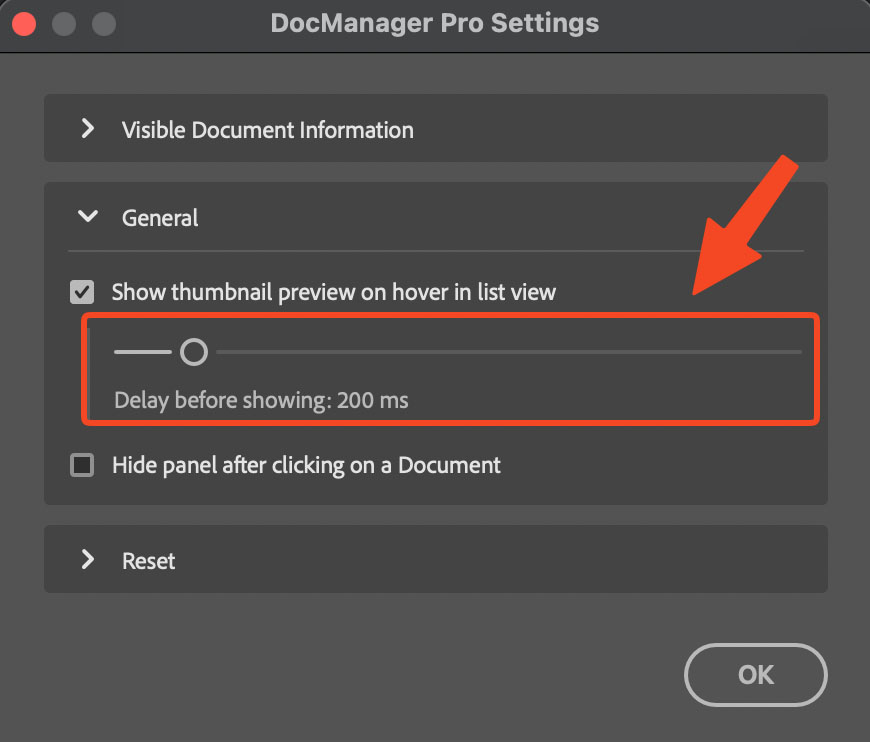
New: Configurable Thumbnail Preview Delay in List View
The thumbnail preview on hover in List View (introduced in 1.1.1) now has a configurable delay. You can set a delay between 0 and 2000 milliseconds before the preview appears when you hover over a document name. A shorter delay (or 0 ms) gives instant feedback; a longer delay prevents accidental previews when you're quickly moving the cursor across the list. The setting is available in Settings → General.
Improved: Tooltip Thumbnail Maximum Width
The tooltip thumbnail that appears on hover in List View now has a maximum width. Previously, wide or landscape documents could produce oversized previews that extended beyond the screen or overlapped other UI elements. The preview is now constrained to a reasonable size, so it remains readable and unobtrusive regardless of the document's aspect ratio.
Improved: Updated and Refined Translations
Translations for the DocManager Pro interface have been updated and refined across all supported languages. This includes corrections, consistency improvements, and clearer phrasing for settings and labels.
Fixed: "No Open Documents" Shown Incorrectly with Lite and Pro
A bug introduced in 1.1.1 caused the panel to incorrectly show "No open documents" when both DocManager Lite and DocManager Pro were installed. The panel would fail to recognize open documents in this configuration. This has been fixed, and the panel now correctly displays open documents when both versions are installed side by side.