Redesigned Tooltips & Settings Export
October 14, 2026
DocManager Pro 1.1.8
Version 1.1.8 is now available with redesigned document information tooltips, new tooltip controls in Settings, and a way to move your settings and presets to another machine in one file.
New: Redesigned Document Information Tooltips
Document information tooltips are more reliable and easier to read. The layout is clearer, colors follow your Photoshop theme, and the tooltip appears more smoothly when you move from one document to the next. You spend less time waiting for the popup to catch up, and the details stay readable in both light and dark panels.
New: Tooltip Position and Delay
You can now choose where tooltips appear and how long they wait before showing. Both options live in Settings, so you can keep tooltips close to the document you are inspecting or give yourself a longer pause before they open while you scan the list.
New: Export and Import Settings
Export and import moves your setup between machines in a single file. The file includes your settings, attribute presets, and filter presets. Open Settings, then use Export or Import to take that setup with you instead of rebuilding it by hand.
Improved: Empty Panel Actions in a Row
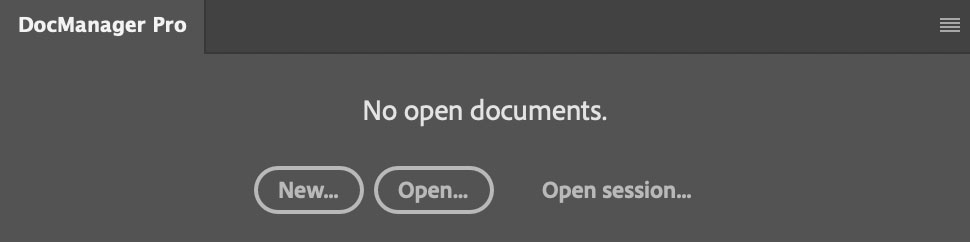
When no documents are open and the panel is wide and short, New, Open, and Open session now sit in a row. The empty state stays compact instead of stacking the three actions vertically.
Fixed: Thumbnails, List Layout, and Range Selection
Dragging a layer from one thumbnail onto another updates the destination thumbnail again. When several documents change at the same time, every thumbnail refreshes, not only the last one. The document list also stays in sync when one document closes and another opens in the same moment.
In list view, a single open document stays at the top instead of stretching to the full height of the panel. Dragging over a document no longer leaves extra space on the left of the drop highlight.
Shift-click selects the range from the last document you clicked, including when search or filters hide some of the files in between.